
Quick answer: Yes — your website could absolutely be hurting your Google rankings right now, even if it looks fine on the surface. Common culprits include slow page speed (Google penalizes pages that load slower than 2.5 seconds), missing or broken schema markup, thin content, poor mobile experience, toxic backlinks, and an unclaimed or inconsistent Google Business Profile. The good news: most of these issues are diagnosable in a single audit. Studio Blue Creative offers a free website health check for small and mid-sized businesses across Nashville, Franklin, Jackson, and all of Middle and West Tennessee.
Why Your Website Can Silently Tank Your Search Rankings

Most small business owners assume that having a website is enough. It isn’t. A website that is slow, poorly structured, or technically broken doesn’t just fail to help your rankings — it actively signals to Google that your business is a lower-quality result. Understanding why this happens is the first step toward fixing it.
Google's Ranking Signals Are More Complex Than Ever
Google’s algorithm now evaluates over 200 ranking factors, and as of 2024 it processes more than 8.5 billion searches per day. A single technical flaw — a misconfigured robots.txt file, a missing canonical tag, or a page that loads in 4 seconds instead of 2 — can quietly suppress your visibility for months without a single error message. Small businesses in Nashville and Jackson often have no idea their site is underperforming until a competitor overtakes them in local search results.
- Core Web Vitals failures alone can drop a page by 5–15 positions
- Duplicate content can cause Google to index the wrong version of your pages
- An HTTP site (no SSL) is now flagged as “Not Secure” in Chrome, reducing click-through rates by up to 11%
The Hidden Cost of Ignoring Technical SEO
For a local business generating $500,000 per year in revenue, dropping from position 3 to position 8 in Google for your top keyword can mean losing 30–40% of organic traffic — that’s potentially $150,000–$200,000 in annual revenue at risk. Yet most small business owners don’t audit their site more than once every two or three years. Technical debt accumulates silently, and by the time rankings drop noticeably, the damage has often been building for six months or longer.
The sections below walk through the 10 most common ways a business website actively works against its own Google rankings — and what you can do about each one.
1. Slow Page Speed — the Single Biggest Ranking Killer
Page speed is no longer just a user-experience concern — it is a confirmed Google ranking factor embedded directly into the Core Web Vitals update that rolled out in 2021 and has been refined every year since. If your site loads slowly, Google will rank it below faster competitors, even if your content is superior.
What Google's Core Web Vitals Actually Measure
Google’s Core Web Vitals framework measures three specific performance signals: Largest Contentful Paint (LCP) — how fast the main content loads (target: under 2.5 seconds); First Input Delay (FID) / Interaction to Next Paint (INP) — how quickly the page responds to a click (target: under 200ms); and Cumulative Layout Shift (CLS) — how much the page jumps around while loading (target: under 0.1). Pages that fail all three benchmarks are classified as “Poor” and are deprioritized in Google’s ranking systems.
Real-World Speed Benchmarks for Small Business Sites
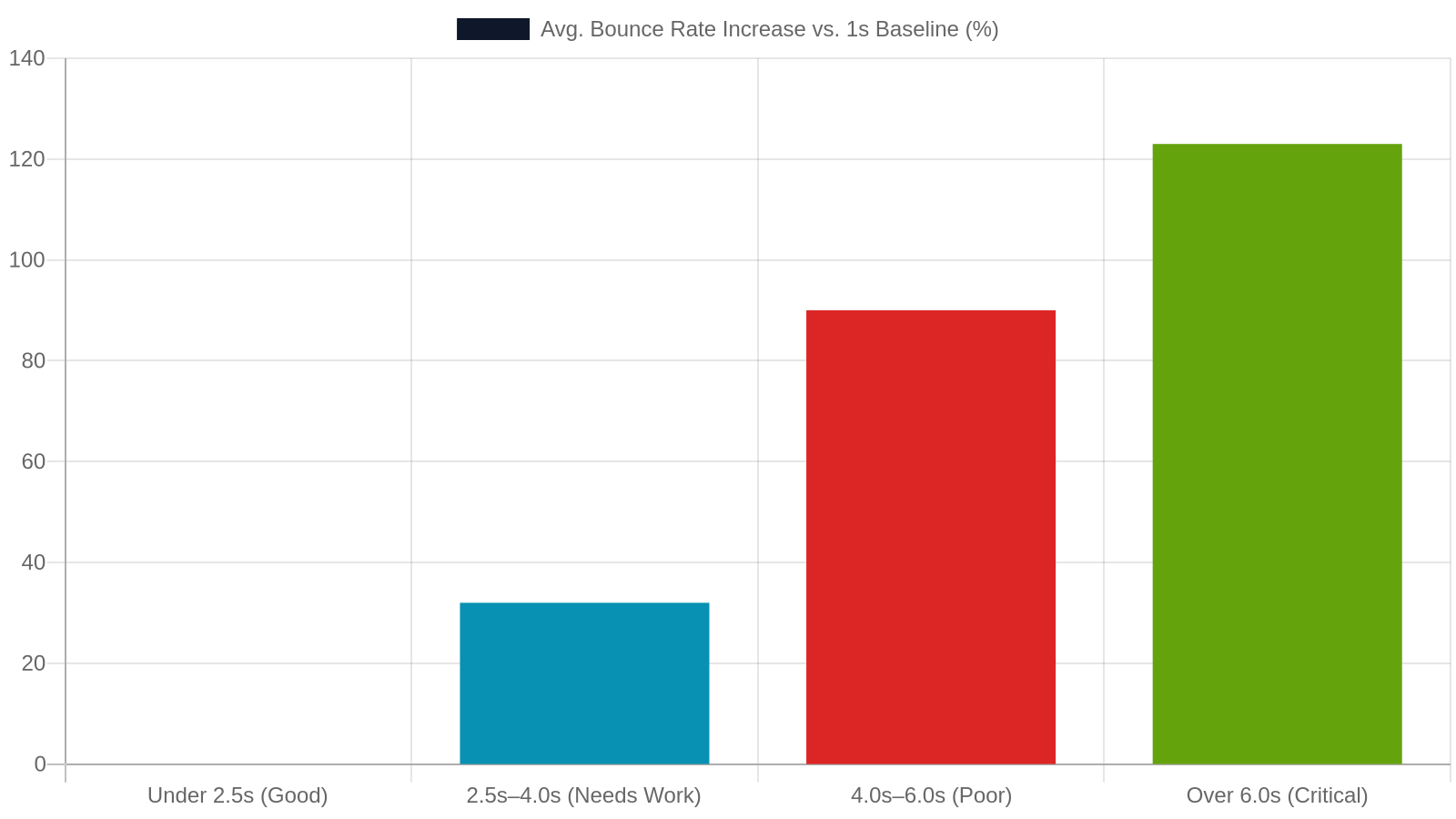
According to Google’s own data, 53% of mobile users abandon a page that takes longer than 3 seconds to load. The average small business website loads in 8.6 seconds on mobile — more than three times the recommended threshold. A one-second delay in page load time reduces conversions by approximately 7%. For a Nashville restaurant, HVAC company, or law firm, that’s real revenue walking out the digital door every single day.
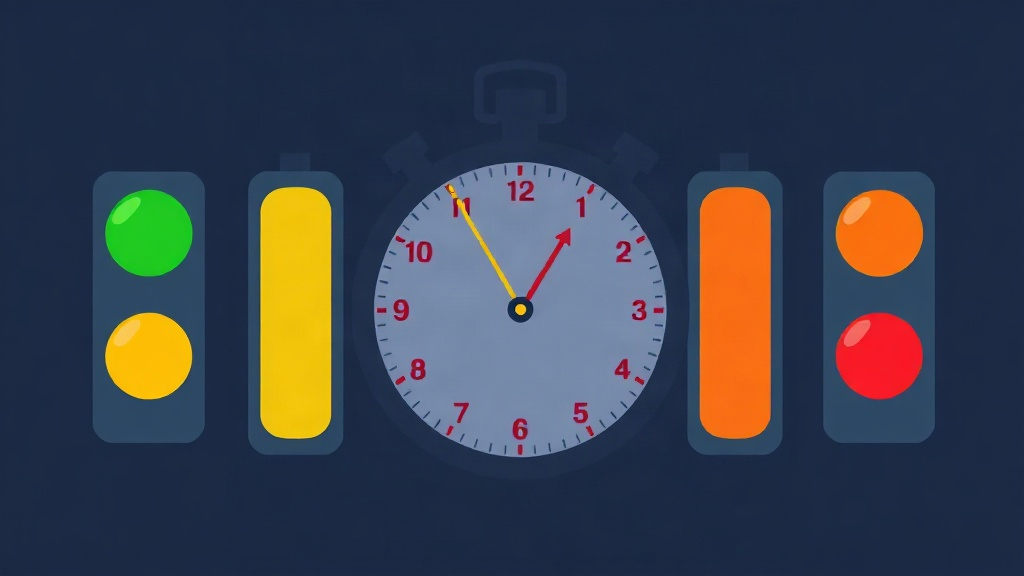
- Under 2.5s LCP — Good (green zone)
- 2.5s–4.0s LCP — Needs Improvement (yellow zone)
- Over 4.0s LCP — Poor (red zone, ranking suppressed)
Common causes: unoptimized images, bloated page builders, no caching plugin, cheap shared hosting, and too many third-party scripts (chat widgets, analytics tags, ad pixels).
2. Your Site Isn't Mobile-Friendly — and Google Knows It
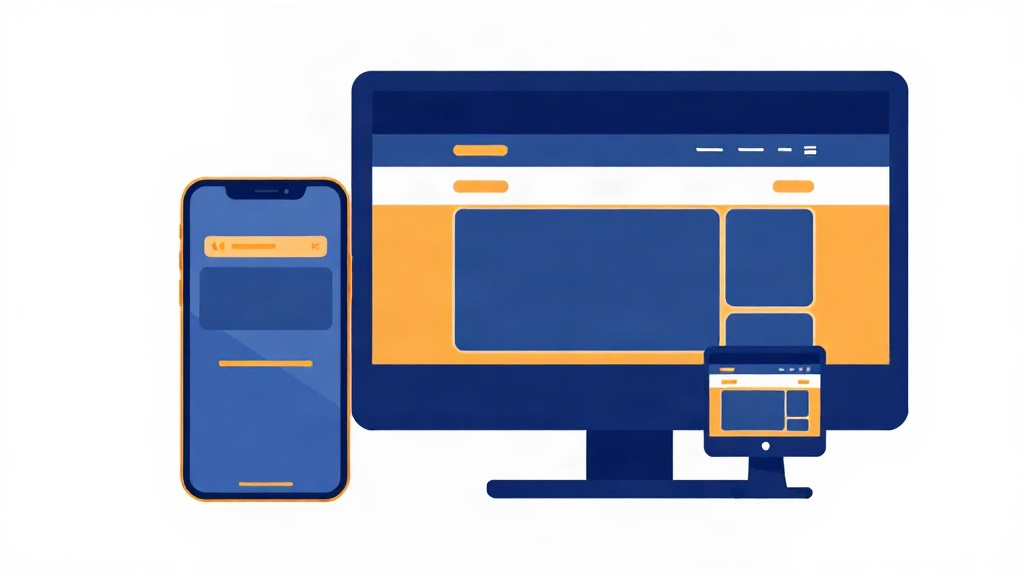
More than six in ten Google searches now happen on a smartphone. If your website was built before 2018 — or built cheaply with a non-responsive template — there is a very real chance it is failing Google’s mobile standards and being ranked accordingly.
Mobile-First Indexing Is Now the Default
Since March 2021, Google has used mobile-first indexing for all websites. This means Google crawls and indexes the mobile version of your site first — the desktop version is secondary. If your mobile site has missing content, broken navigation, tiny tap targets, or text that requires zooming, Google sees a lower-quality page than what your desktop visitors experience. The result: lower rankings across the board, not just on mobile searches.
How to Spot a Mobile Problem Without a Developer
You don’t need to hire anyone to do an initial check. Open your website on your phone and ask yourself: Can I read the text without zooming? Do buttons have enough space to tap? Does the navigation collapse into a usable menu? Then run Google’s free Mobile-Friendly Test at search.google.com/test/mobile-friendly. If it flags issues, those issues are actively hurting your rankings. In 2024, more than 63% of all Google searches come from mobile devices — for local businesses in Nashville and Jackson, that number is often even higher.
- Unresponsive themes or page templates are the #1 cause
- Viewport meta tag missing or misconfigured
- Flash content (still exists on older sites) — not supported on mobile at all
- Pop-ups that cover the full screen on mobile are penalized by Google’s Intrusive Interstitials update
3. Missing or Broken Schema Markup Hides You From AI Search

Schema markup is one of the most underutilized — and most impactful — technical SEO tools available to small businesses. Most small business websites have zero schema markup installed, or have it installed incorrectly, which is nearly as bad as having none at all.
What Schema Markup Is and Why It Matters in 2025
Schema markup is structured data code (usually JSON-LD format) that tells Google — and AI answer engines like ChatGPT, Perplexity, and Google’s AI Overviews — exactly what your business is, where it’s located, what it offers, and how to contact you. Without it, search engines must guess. With it, your business becomes a clearly defined entity in Google’s Knowledge Graph, making you far more likely to appear in rich results, local packs, and AI-generated answers.
Key schema types for local businesses: LocalBusiness, Service, FAQPage, Review, and BreadcrumbList.
The AEO and GEO Dimension: Getting Cited by AI Engines
Answer Engine Optimization (AEO) and Generative Engine Optimization (GEO) are the emerging disciplines that determine whether your business gets cited when someone asks ChatGPT or Google’s AI Overviews “who is the best web design company in Nashville?” Businesses with complete, validated schema markup are 3–5x more likely to be cited in AI-generated answers than those without it. This is no longer a nice-to-have — it is rapidly becoming as important as traditional SEO. Studio Blue Creative’s schema implementation service handles this end-to-end for Tennessee businesses.
4. Thin or Duplicate Content Sends the Wrong Signal to Google
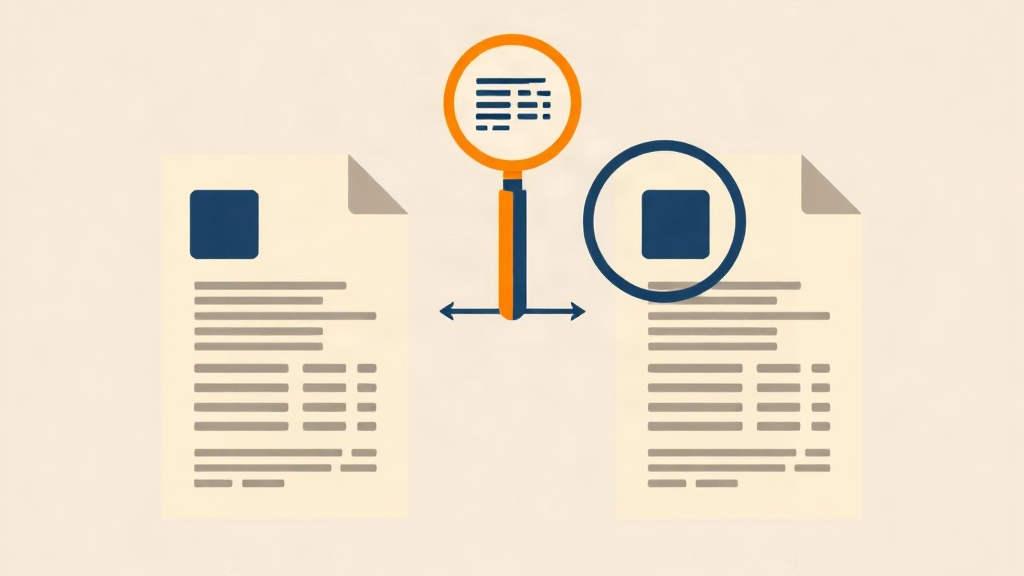
Content quality is one of Google’s most heavily weighted ranking signals. A website filled with short, generic, or duplicated pages tells Google that your business is not a reliable, authoritative source — and Google responds by ranking you lower than competitors with richer, more original content.
What 'Thin Content' Looks Like on a Real Business Site
Google defines thin content as pages that provide little or no unique value to the searcher. For a small business, this typically shows up as: service pages with only 50–150 words of text, location pages that are copy-pasted with only the city name swapped, blog posts that are 200 words and written purely for keyword stuffing, or product pages with nothing but a manufacturer’s description. Google’s Panda and Helpful Content updates specifically target these patterns — sites with widespread thin content can see sitewide ranking suppression, not just page-level penalties.
Duplicate Content: When Your Own Site Competes Against Itself
Duplicate content occurs when the same (or very similar) content appears at multiple URLs on your site. Common causes include: www vs. non-www versions both being indexed, HTTP and HTTPS versions both live, printer-friendly page variants, and session ID parameters in URLs. When Google finds duplicate content, it must choose which version to rank — and it often chooses wrong. The fix is canonical tags, 301 redirects, and a properly configured sitemap. A site audit will surface all of these issues in under an hour.
- Use Google Search Console’s Coverage report to find duplicate page warnings
- Tools like Screaming Frog can crawl your entire site for duplicate title tags and meta descriptions
- Each service you offer should have its own dedicated, unique page with at least 500 words of original content
5. Your Google Business Profile Is Incomplete or Inconsistent
For businesses serving Nashville, Franklin, Brentwood, Murfreesboro, Jackson, and surrounding Tennessee communities, local search visibility is everything. And local search visibility starts — and often ends — with your Google Business Profile and the consistency of your business information across the web.
Why GBP Is the Foundation of Local SEO
Your Google Business Profile (GBP) — formerly Google My Business — is the single most important local SEO asset you own. It controls what appears in the Google Map Pack (the top 3 local results shown for searches like “web designer near me” or “SEO company Nashville”). A fully optimized GBP can generate 5x more website clicks than an incomplete one. Yet studies show that 56% of local businesses have not claimed their GBP listing, and many that have claimed it leave critical fields empty.
NAP Consistency: The Detail That Derails Rankings
NAP stands for Name, Address, Phone Number. Google cross-references your NAP data across your website, your GBP listing, and dozens of third-party directories (Yelp, Apple Maps, Bing Places, Chamber of Commerce sites, etc.). If your business name is listed as “Studio Blue Creative LLC” on your website but “Studio Blue Creative” on Yelp and “StudioBlue Creative” on a directory, Google’s confidence in your business entity drops — and so do your local rankings. Every inconsistency is a trust signal working against you.
- Run a free NAP audit using Moz Local or BrightLocal
- Ensure your phone number, address, and business name are identical everywhere
- Add your service areas (Nashville, Franklin, Jackson, etc.) explicitly in your GBP service area settings
6. Toxic Backlinks and a Weak Link Profile Undermine Authority

Many small business owners don’t think about their backlink profile until something goes wrong. But your link profile is essentially your website’s reputation score in Google’s eyes — and it can be damaged without you doing anything wrong, simply by competitors or spammers pointing bad links at your site.
How Backlinks Work — and When They Work Against You
Backlinks — other websites linking to yours — are one of Google’s top three ranking factors. A single link from a high-authority site like a local newspaper, a university, or an industry association can be worth more than 100 links from low-quality directories. But the inverse is also true: links from spammy sites, link farms, or irrelevant foreign directories can actively harm your rankings. Google’s Penguin algorithm update (now running in real time) specifically targets manipulative link patterns. If your site was ever the target of negative SEO, or if a previous agency used black-hat link-building tactics, you may have toxic links dragging you down right now.
Auditing and Disavowing Bad Links
Use Google Search Console’s Links report to see who is linking to your site. Look for patterns: links from sites in unrelated languages, links from sites with domain authority under 10, or sudden spikes in new links (a classic negative SEO signal). Google’s Disavow Tool allows you to tell Google to ignore specific links — but it must be used carefully, as disavowing legitimate links can hurt rankings just as much as leaving toxic ones in place. A professional link audit is the safest approach.
- Ahrefs and SEMrush both offer backlink toxicity scoring
- A healthy link profile has links from diverse, relevant, authoritative domains
- For local businesses, citations from local directories (Nashville Chamber, Jackson Chamber, Tennessee BBB) carry significant weight
7. Crawl Errors and Indexing Blocks Stop Google in Its Tracks

If Google can’t crawl your pages, it can’t rank them. Crawl errors and indexing blocks are invisible to the naked eye — your site looks perfectly normal in a browser — but they can effectively make your entire website disappear from search results.
Robots.txt and Noindex Tags Gone Wrong
One of the most common — and most devastating — technical SEO mistakes is accidentally blocking Google from crawling or indexing your site. This can happen when a developer sets a site to “discourage search engines” during a redesign and forgets to remove the setting before launch. It can also happen through a single line in your robots.txt file or a stray noindex meta tag. In 2022, a well-known case involved a major e-commerce brand that lost 90% of its organic traffic overnight because a noindex tag was pushed to production by mistake. Small businesses are just as vulnerable.
404 Errors, Redirect Chains, and Broken Internal Links
Every 404 error (page not found) on your site wastes Google’s crawl budget and creates a dead end for both users and search bots. Redirect chains — where Page A redirects to Page B, which redirects to Page C — slow down crawling and dilute link equity. Broken internal links (links within your own site that point to pages that no longer exist) signal poor site maintenance. Google’s Search Console will show you all of these issues for free under the Coverage and Enhancements tabs.
- Fix 404s by either restoring the page or setting up a 301 redirect to the most relevant live page
- Redirect chains should be collapsed to a single direct redirect
- Run a monthly crawl with a tool like Screaming Frog (free up to 500 URLs) to catch new broken links
- Submit an updated XML sitemap to Google Search Console after any major site changes
10 Website Issues: Impact Level, Difficulty to Fix, and DIY vs. Professional
Use this table to prioritize which issues to tackle first. Impact is rated on a 1–5 scale (5 = highest ranking impact). Fix difficulty is rated Low, Medium, or High.
8. Poor On-Page SEO Structure Wastes Every Word You've Written
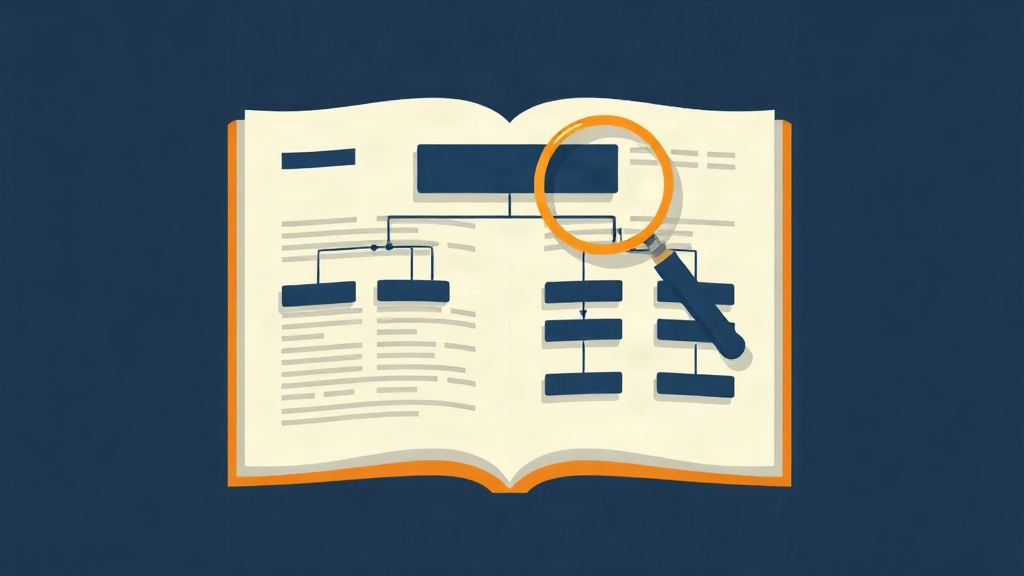
You can have the fastest, most technically perfect website in Nashville — but if the words on your pages aren’t structured to communicate clearly to Google, you’re leaving rankings on the table. On-page SEO is the bridge between what you offer and what Google understands you offer.
Title Tags, Meta Descriptions, and Header Hierarchy
Every page on your website should have a unique, keyword-optimized title tag (50–60 characters), a compelling meta description (140–160 characters), and a clear header structure (one H1, followed by H2 and H3 subheadings). These are the basic building blocks of on-page SEO — and they are missing or misconfigured on the majority of small business websites. A page titled “Home” tells Google nothing. A page titled “Web Design Services in Nashville, TN | Studio Blue Creative” tells Google exactly what it needs to know.
Keyword Placement and Semantic Richness
Google’s natural language processing (NLP) systems — powered by BERT and MUM — understand context, not just keywords. This means stuffing a keyword 20 times into a page no longer works (and actively triggers penalties). Instead, your pages need semantic richness: related terms, synonyms, and supporting concepts that signal topical authority. A page about “web design in Jackson, TN” should also naturally mention terms like website development, mobile-friendly design, WordPress, page speed, and local business — not because you’re keyword-stuffing, but because those terms belong in a comprehensive, expert discussion of the topic.
- Use your focus keyword in the H1, first paragraph, one H2, and the meta title
- Use related terms (LSI keywords) naturally throughout the body
- Every image should have a descriptive alt tag — this also helps with Google Image Search visibility
- Internal links between related pages distribute authority and help Google understand your site structure
9. No HTTPS, Outdated Plugins, and Security Vulnerabilities

Website security and Google rankings are more closely connected than most business owners realize. A site that is insecure, unencrypted, or actively compromised will be penalized in rankings — and may be removed from Google’s index entirely until the issue is resolved.
HTTPS Is a Confirmed Ranking Signal
Google confirmed HTTPS as a ranking signal back in 2014, and it has only grown in importance since. Sites still running on HTTP (without an SSL certificate) are flagged as “Not Secure” in Chrome, Firefox, and Safari — a warning that appears directly in the browser address bar and reduces user trust dramatically. Studies show that 85% of online users will abandon a purchase or inquiry if they see a “Not Secure” warning. SSL certificates are available free through Let’s Encrypt and cost nothing to install on most hosting platforms — there is no excuse for a business website to be running without one in 2025.
Outdated WordPress Themes and Plugins: A Double Threat
WordPress powers approximately 43% of all websites on the internet. It is also the most frequently targeted CMS by hackers, precisely because outdated plugins and themes contain known security vulnerabilities. A hacked website can be injected with spam links, malware, or hidden redirects — all of which Google will detect and respond to by either de-indexing your site or displaying a “This site may be hacked” warning in search results. Either outcome is catastrophic for a local business. Keeping WordPress core, themes, and plugins updated is basic digital hygiene — but it requires ongoing attention.
- Enable automatic updates for WordPress core and security-critical plugins
- Remove any plugins or themes that are no longer actively maintained
- Use a security plugin like Wordfence or Sucuri for active monitoring
- Run regular backups — daily is ideal, weekly at minimum
10. Your Site Has No Local SEO Foundation for Tennessee Searches
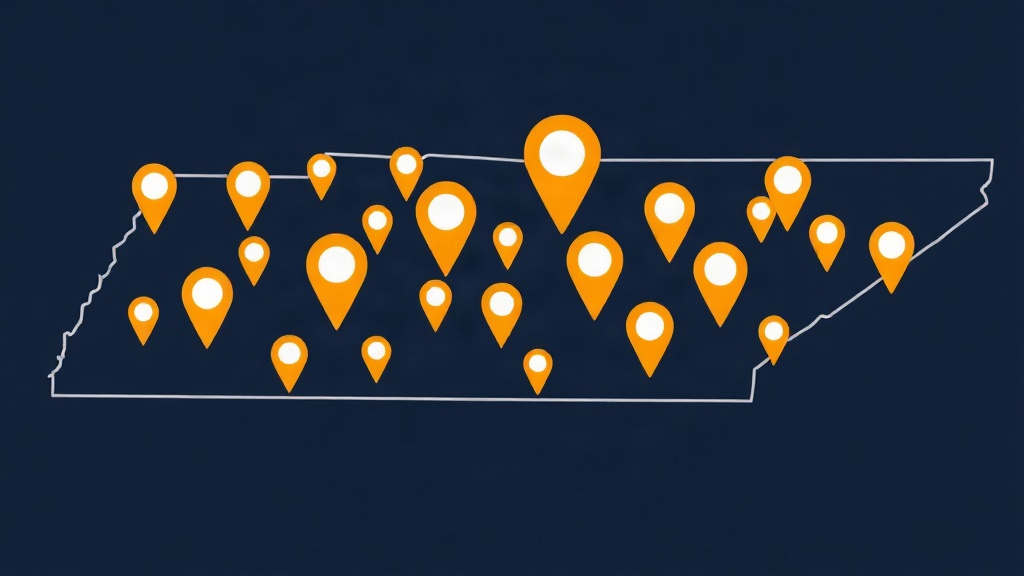
Ranking in Google for local searches — “near me” queries, city-specific searches, and service-area searches — requires a fundamentally different strategy than ranking for national keywords. Without a deliberate local SEO foundation, your website is invisible to the customers who are closest to you and most ready to buy.
Location Pages, Service Area Content, and LocalBusiness Schema
If you serve customers across Nashville, Franklin, Brentwood, Murfreesboro, Hendersonville, Mount Juliet, Jackson, or other Tennessee communities, you need dedicated location-specific content — not just a single homepage that mentions your city once. Google rewards businesses that create genuinely useful, location-specific pages with local search visibility. Each location page should include the city name in the H1 and title tag, a unique description of services in that area, embedded Google Maps, local phone number, and LocalBusiness schema markup. Studio Blue Creative’s AI-powered local landing pages are built specifically for this purpose.
Review Signals and Local Authority Building
Google’s local ranking algorithm weighs three primary factors: Relevance (does your business match the search?), Distance (how close are you to the searcher?), and Prominence (how well-known and trusted is your business online?). Reviews are the primary driver of Prominence. Businesses with more than 50 Google reviews and an average rating above 4.5 stars rank significantly higher in the Map Pack than competitors with fewer reviews. A systematic review-generation strategy — asking satisfied customers at the right moment — is one of the highest-ROI local SEO tactics available.
- Respond to every Google review (positive and negative) within 48 hours
- Use a review request link (your GBP short URL) in follow-up emails and text messages
- Never buy or fabricate reviews — Google’s review spam detection is sophisticated and penalties are severe
Ready to Find Out What's Holding Your Site Back? Get a Free Audit
You’ve now seen 10 of the most common ways a business website actively suppresses its own Google rankings. The next step is finding out which of these issues apply to your specific site — and getting a clear roadmap for fixing them. That’s exactly what our free audit delivers.
What Studio Blue Creative's Free Website Health Check Covers
Our free website health check is a comprehensive diagnostic designed specifically for small and mid-sized businesses in Nashville, Jackson, and across Middle and West Tennessee. We analyze your site across more than 40 technical and content checkpoints — including Core Web Vitals scores, mobile usability, schema markup status, Google Business Profile completeness, backlink toxicity, on-page SEO structure, HTTPS security, crawl errors, and local SEO foundation. You receive a prioritized report with clear, actionable recommendations — no jargon, no upsell pressure, just honest data about where your site stands.
Why Tennessee Businesses Trust Studio Blue Creative
Studio Blue Creative is a Tennessee-based digital agency — we’re not a national firm that treats Nashville like a checkbox. We understand the competitive landscape in Middle Tennessee and West Tennessee, we know which local directories matter, and we build strategies around the actual search behavior of Tennessee consumers. Our services span SEO, AEO, GEO, web development, AI systems, and app development — so when our audit identifies an issue, we have the in-house capability to fix it. Call us today at 731-402-0402 for a free estimate, or submit your site for a free health check online. There’s no obligation — just clarity about where your website stands and what it would take to rank where you deserve to be.
Frequently Asked Questions
How do I know if my website is hurting my Google rankings?
The clearest signs are: your site doesn't appear in the top 10 results for your business name plus city, your Google Search Console shows crawl errors or coverage issues, your Core Web Vitals report shows red or yellow scores, and your organic traffic has declined over the past 6–12 months. A free website audit will surface all of these issues in a single report.
Is a free website audit actually useful, or is it just a sales pitch?
A legitimate free audit from a reputable agency provides real diagnostic data — Core Web Vitals scores, crawl error reports, schema validation results, and on-page SEO analysis. Studio Blue Creative's free health check covers 40+ checkpoints and delivers a prioritized action list with no obligation to purchase anything.
How long does it take to recover Google rankings after fixing website issues?
It depends on the issue. Technical fixes like HTTPS installation and crawl error resolution can show results within 1–4 weeks. Content improvements typically take 8–16 weeks. Building local authority through reviews and citations takes 3–6 months. The sooner you start, the sooner you see results.
Does my Google Business Profile affect my website's Google rankings?
Yes — your Google Business Profile directly controls your visibility in the Map Pack (the top 3 local results), which appears above organic results for most local searches. An incomplete or inconsistent GBP listing suppresses your local rankings regardless of how good your website is.
Can I fix website SEO issues myself, or do I need to hire someone?
Some issues — like claiming your Google Business Profile, ensuring NAP consistency, and adding alt tags to images — are DIY-friendly. Others, like fixing Core Web Vitals failures, implementing schema markup correctly, or resolving crawl budget issues, typically require technical expertise. A professional audit will tell you which is which.
Does Studio Blue Creative serve businesses outside of Nashville?
Yes. Studio Blue Creative serves small and mid-sized businesses across all of Middle Tennessee and West Tennessee, including Nashville, Franklin, Brentwood, Murfreesboro, Hendersonville, Mount Juliet, Jackson, and surrounding communities. Call 731-402-0402 for a free estimate.
Find out if ChatGPT recommends your business.
Right now, your customers are asking AI for recommendations. The AI is naming somebody. Is that name yours? Run our free AEO Scorecard — we test 3 of your real queries against ChatGPT and Claude and email you a personalized report.
Ready for a real website?
Get a tailored 3-tier proposal in under a minute — including our Launch Deal ($699), a custom build, or our SEO Growth Package. No call required.